Demo: Every Block This Blog Can Render
A demo article that uses every page-builder block and layout option in this blog: hero, rich text, quick facts, gallery, quote and event snapshot, on every background, width, spacing and animation.
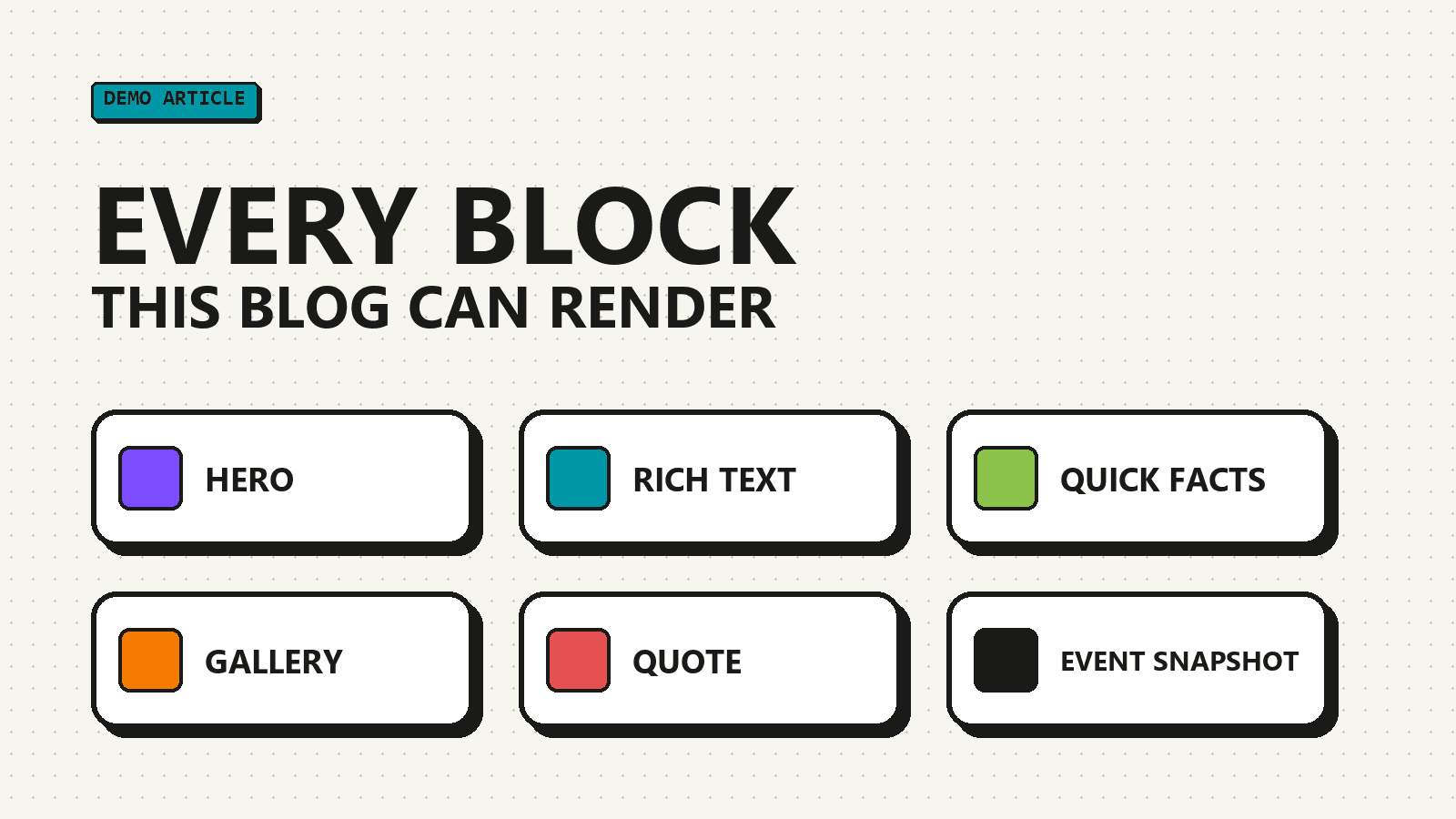
One page, every block
Everything below is assembled in Sanity Studio from six section types. Each one picks its own background, width, spacing and entrance animation.
See the projects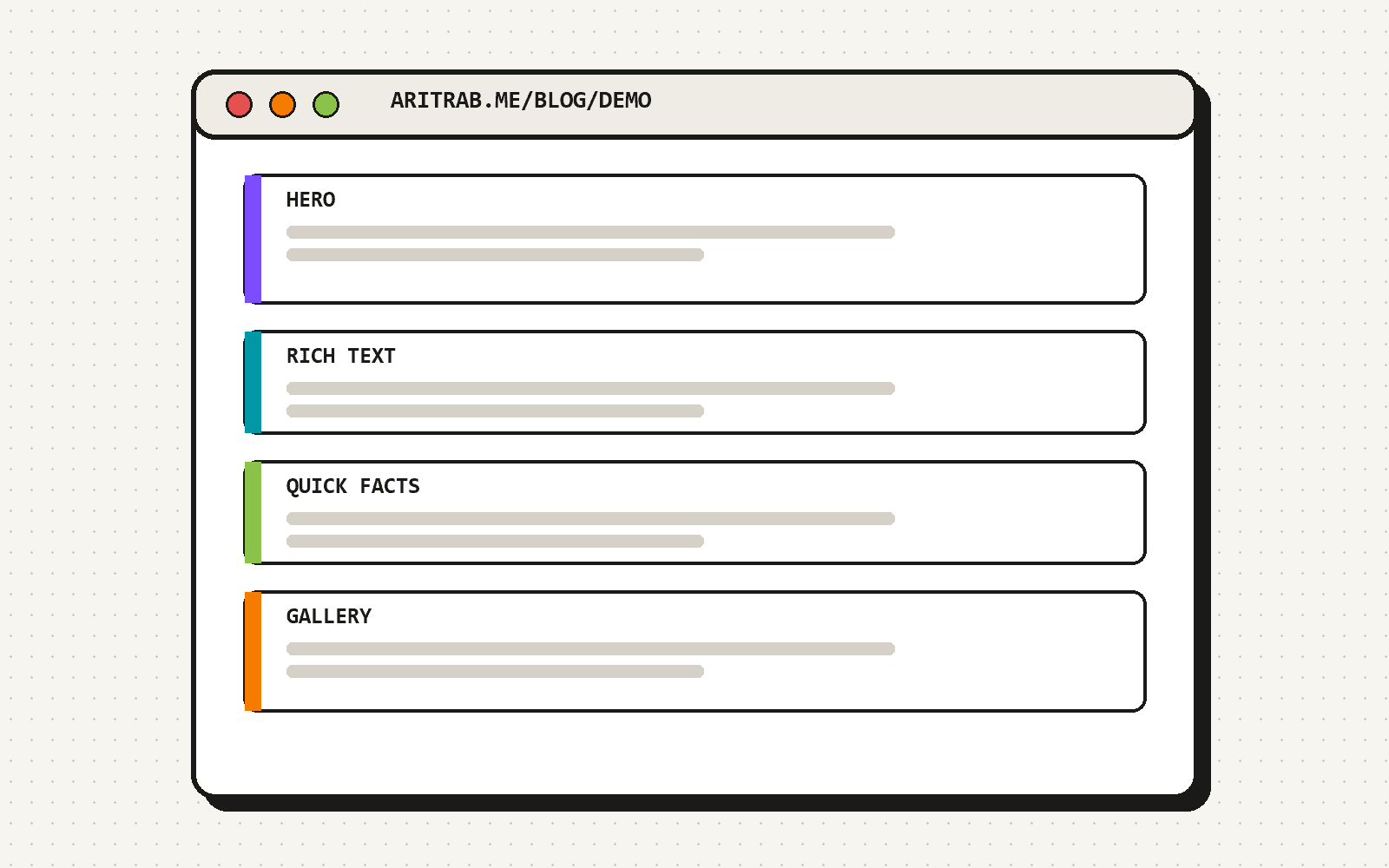
What you are looking at
This is a demo article. It exists to show every block the blog can render, so it reads more like a catalogue than a story.
Each section carries a sectionLayout object. Text can be underlined, struck through, or linked, either out to the Sanity docs or within the site to the projects page.
The six section types
- Hero: tagline, title, subtitle, a call to action and an image.
- Rich text: headings, lists, quotes, links and inline images, like this block.
- Quick facts: short label and value pairs.
- Gallery: a grid of captioned images in one to four columns.
- Quote: a pull quote with an author, role and avatar.
- Event snapshot: a talk, its venue, date, organizer and links.
How an editor builds a page
- Create an article and fill in its title, excerpt and cover.
- Add content sections in the order they should appear.
- Open each section's Layout Settings to pick background, width, spacing and animation.
- Choose an accent colour in Page Settings, then publish.
A blockquote inside rich text picks up the article's accent colour for its rule.

This article in numbers
The layout options
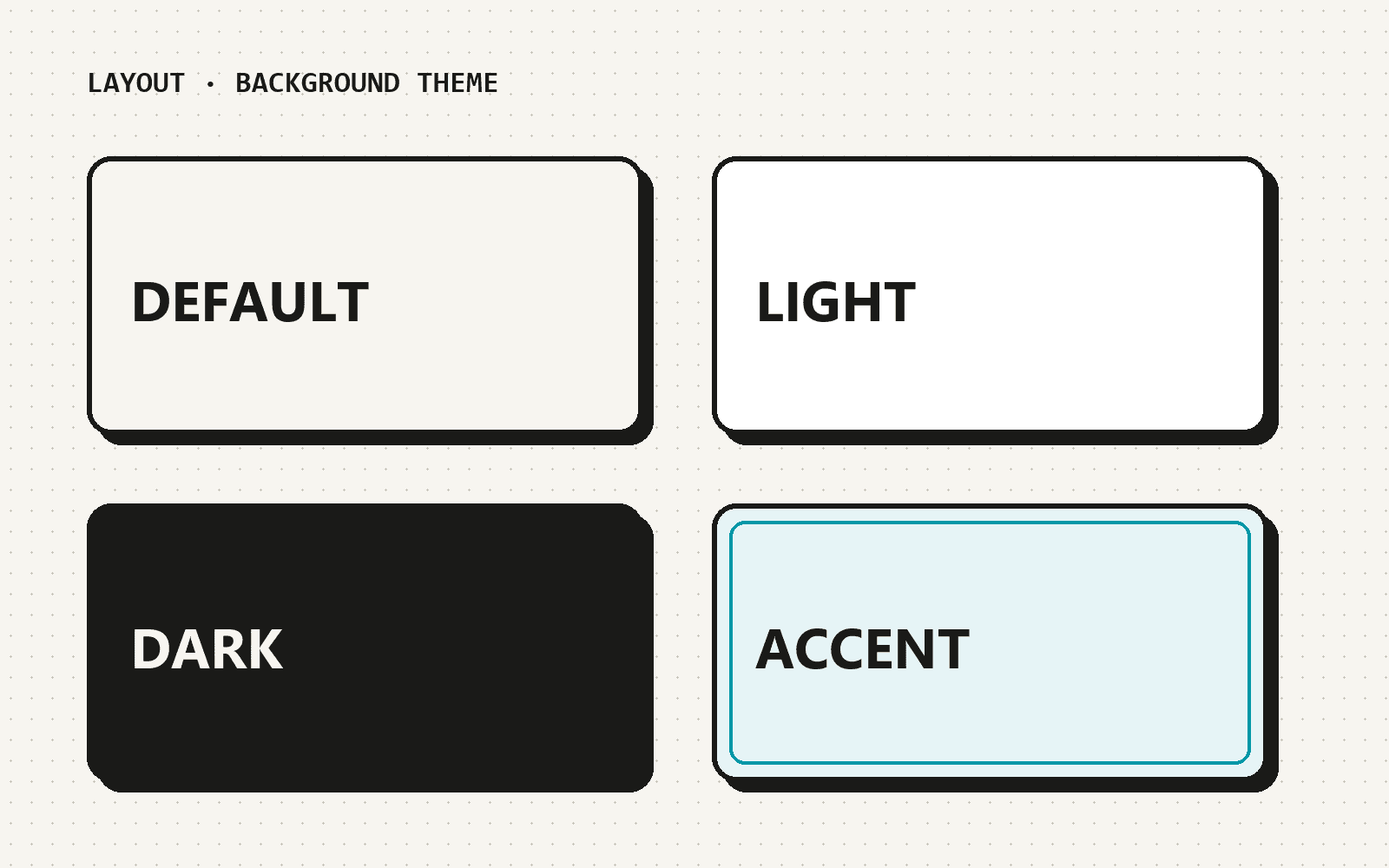
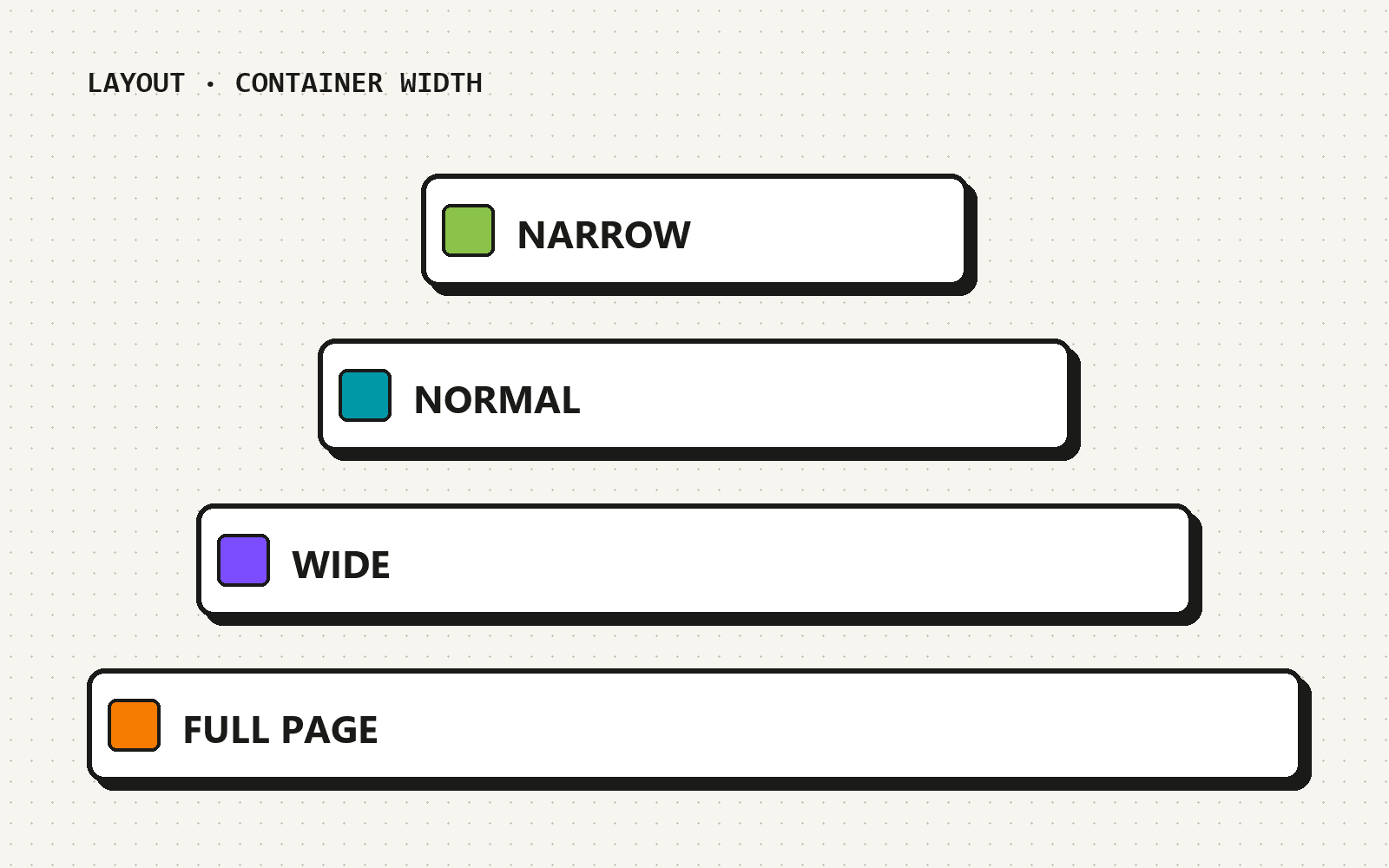
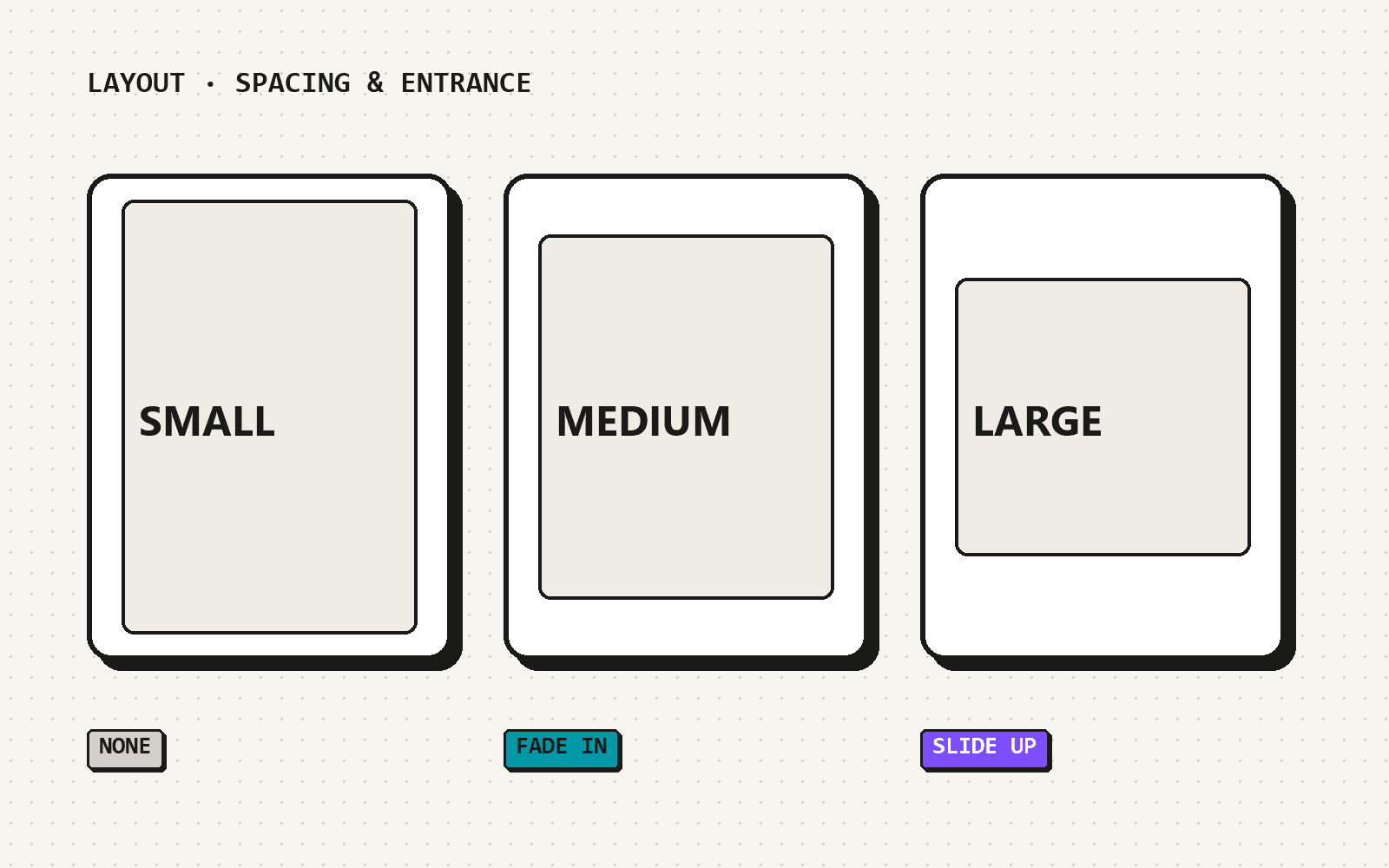
Every section shares the same four layout settings. This gallery runs at full page width; the panels show the choices.
A page builder earns its keep when the last article looks like it belongs with the first one.

Demo session: building a blog with a page builder
at Sample Event (Demo)
That is the whole kit
Six blocks, four layout settings and an accent colour. The quote and the event above are samples for this demo, not real. Head back to the blog for the real articles.